Welcome to AuraLocal
If you run a local business — or manage local SEO for one, or fifty — you've probably felt the shift over the last couple of years. Ranking on Google used to be the whole game.
Now customers are asking ChatGPT where to get emergency plumbing, asking Gemini for the best clinic nearby, and asking Perplexity to recommend a restaurant. If your business isn't showing up in those answers, you're losing customers you never even knew you were competing for — and most local SEO tools weren't built to tell you that.
AuraLocal was built to close that gap. It's a complete local SEO command center that brings together keyword rank tracking, AI citation visibility monitoring, Google Business Profile management, competitor intelligence, and review automation — all in one dashboard, so you're not stitching together five different tools (and five different logins) just to understand your local presence.
This article is your starting point. It walks through what AuraLocal does, why it exists, and who it's built for. Once you're oriented, head to Getting Started to create your account and add your first business.
The Problem With Local SEO Today
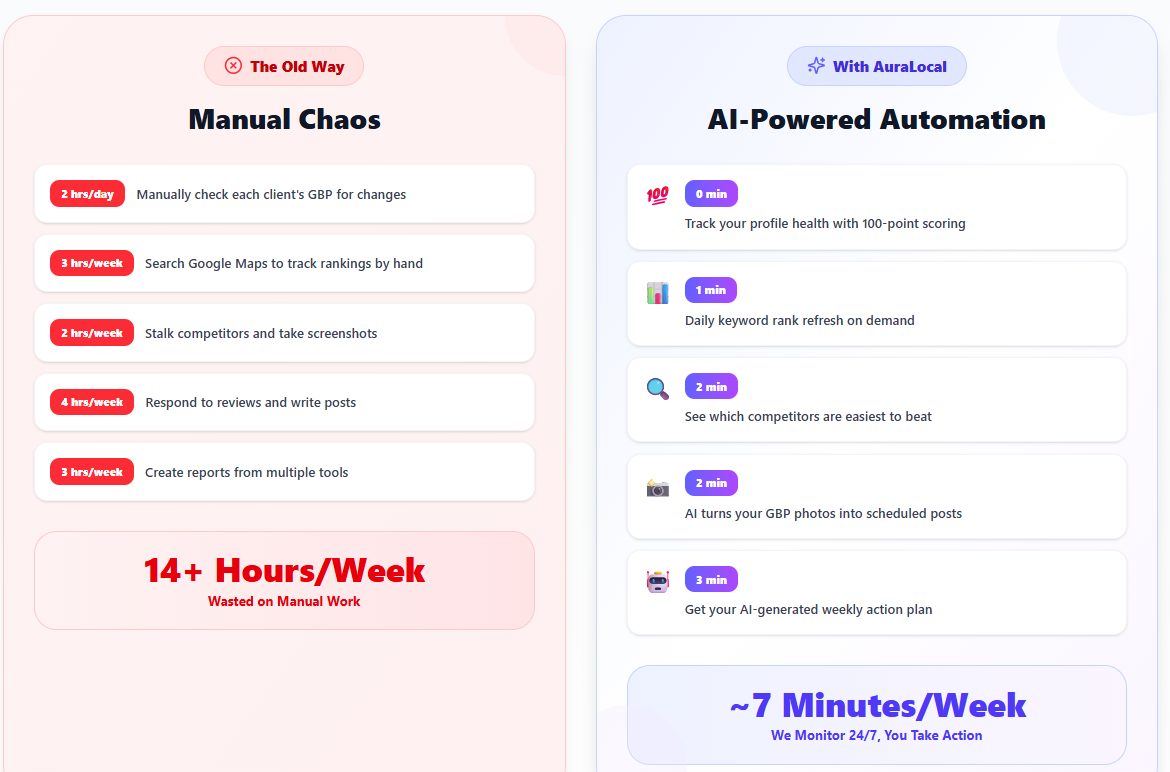
Local SEO has quietly become more complicated than it looks. It's not just "get to the top of Google Maps" anymore. A business today needs to think about:
- Where it actually ranks — not just for one search from one location, but across the neighborhoods and zip codes its customers search from
- Whether it's being recommended by AI assistants, which increasingly sit between a customer and their decision
- Whether its Google Business Profile is actively working for it, or just sitting there unmanaged
- What competitors are doing differently — and doing better
- Whether reviews are being responded to fast enough to matter
Most tools handle one or two of these well. Few handle all five. That fragmentation is exactly what AuraLocal was designed to fix.
| Pain Point | How AuraLocal Solves It |
|---|---|
| "I don't know where my business ranks" | Grid-based keyword tracking across 49 checkpoints in a 15km radius |
| "AI chatbots don't mention my business" | Monitor visibility across ChatGPT, Gemini, Perplexity, and Copilot |
| "Managing GBP is a chore" | Schedule posts, auto-reply to reviews, track metrics — all from one place |
| "I can't track competitors" | Side-by-side competitor analysis with review velocity tracking |
| "Clients want reports" | One-click shareable reports with live data — no PDF exports needed |
| "Too many tools, too many tabs" | Everything in one dashboard with team workspaces |
A Quick Tour of What's Inside
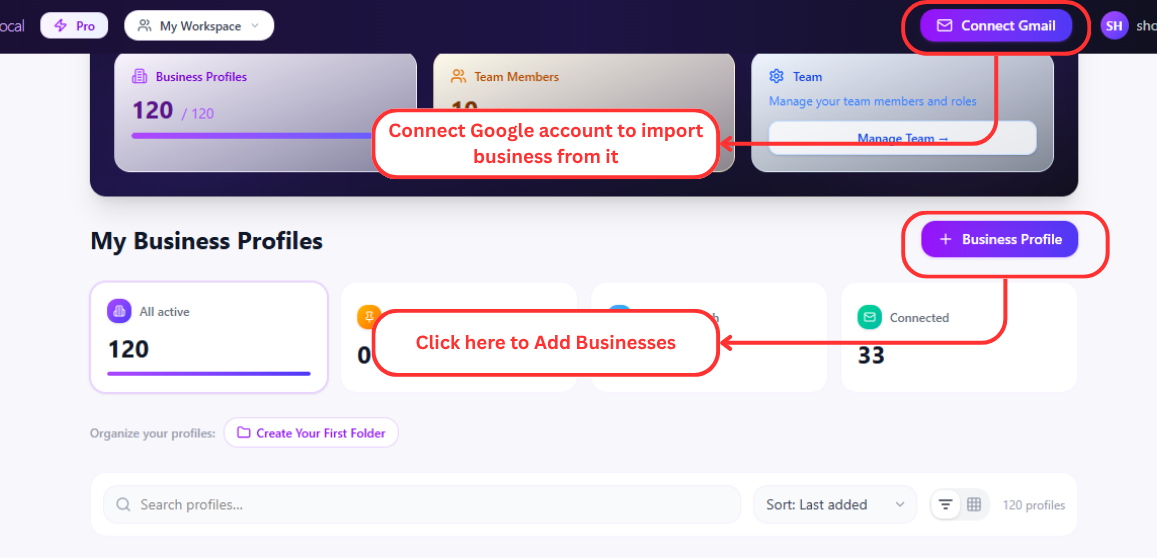
AuraLocal's dashboard is organized into a handful of areas, laid out in the order you'll actually use them — from setting up your profile, to tracking where you rank, to the tools that help you grow. You'll get the full walkthrough of each in its own article, but here's the shape of the platform so you know what you're working with.
Business Profile
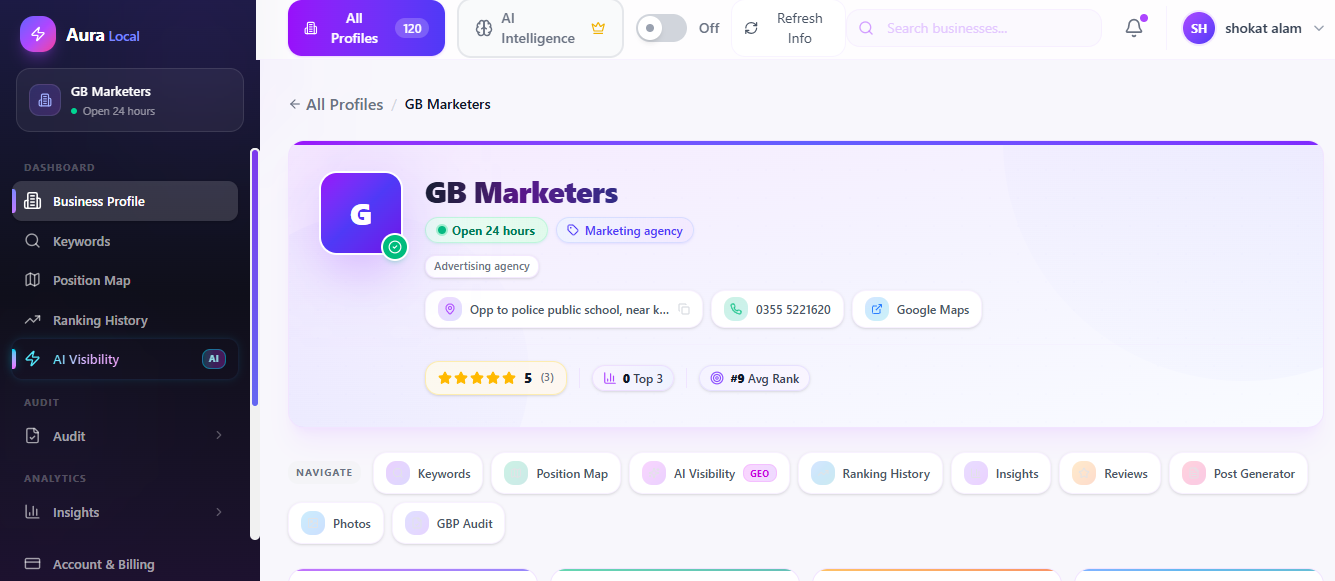
This is where your business lives inside AuraLocal — name, address, phone, website, categories, hours, and status, all imported from Google and kept up to date. It's also where you verify hours and browse the photos pulled in from your listing.
Keywords Tracking
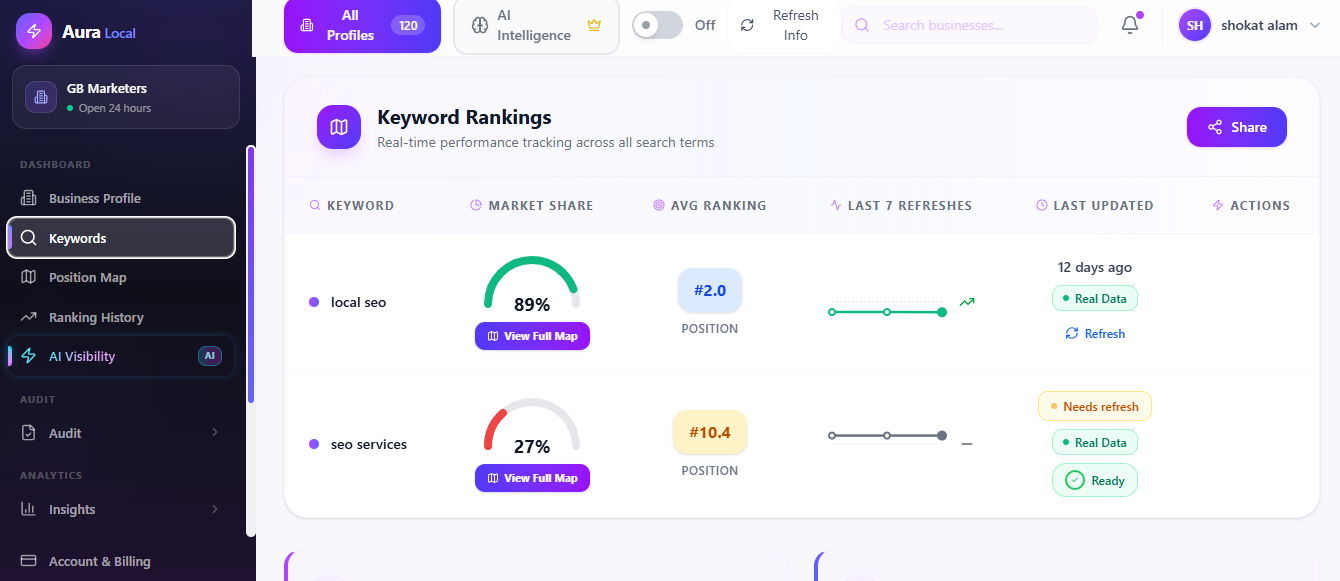
Add any search term you want to track, and AuraLocal takes it from there — average rank, visibility percentage, top-3 rate, and market share against competitors, refreshed on your schedule.
Position Map
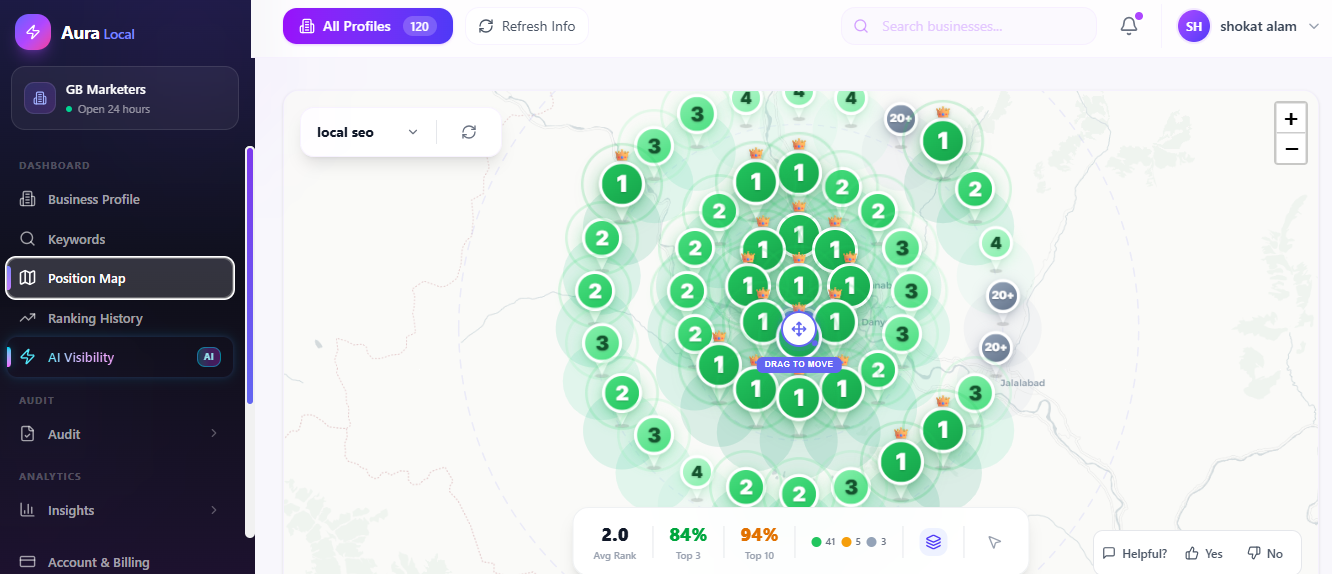
The visual layer behind your keyword data. Instead of one rank number, you get an interactive map with 49 checkpoints across a 15km radius, color-coded from green (top 3) to red (not in the top 20) — so you can see exactly which parts of your city you're winning and which need work.
Ranking History
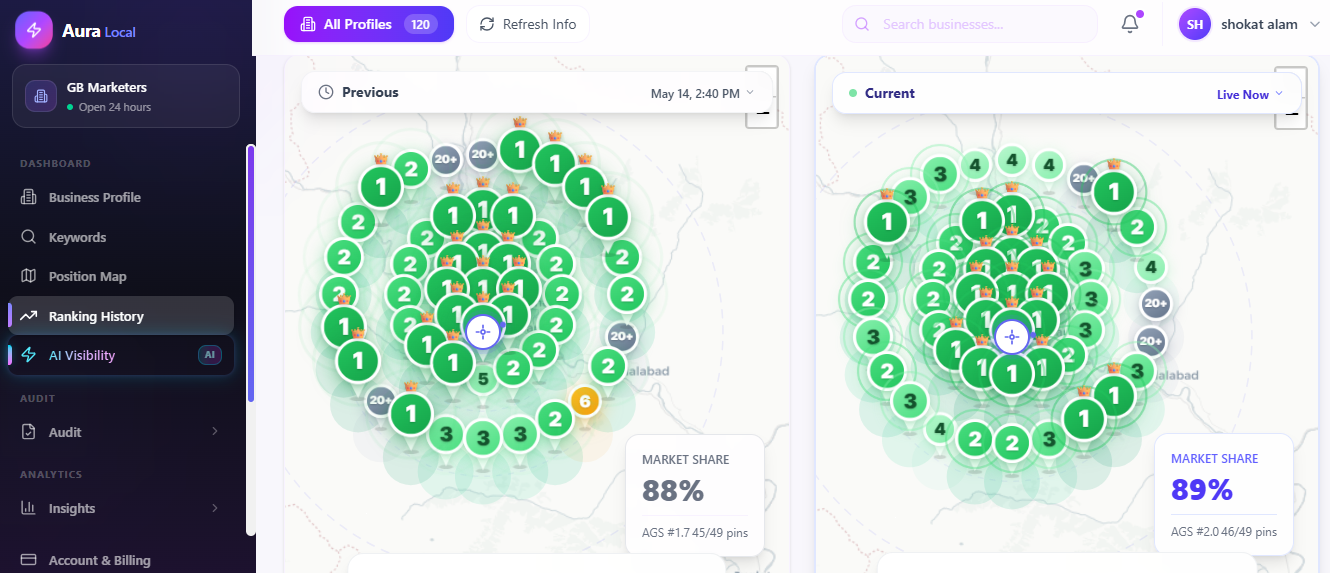
Every scan is saved, so you can open any keyword and see a progression graph of how your rank has moved over days and weeks, with clear trend indicators showing whether you're climbing, slipping, or holding steady.
AI Visibility
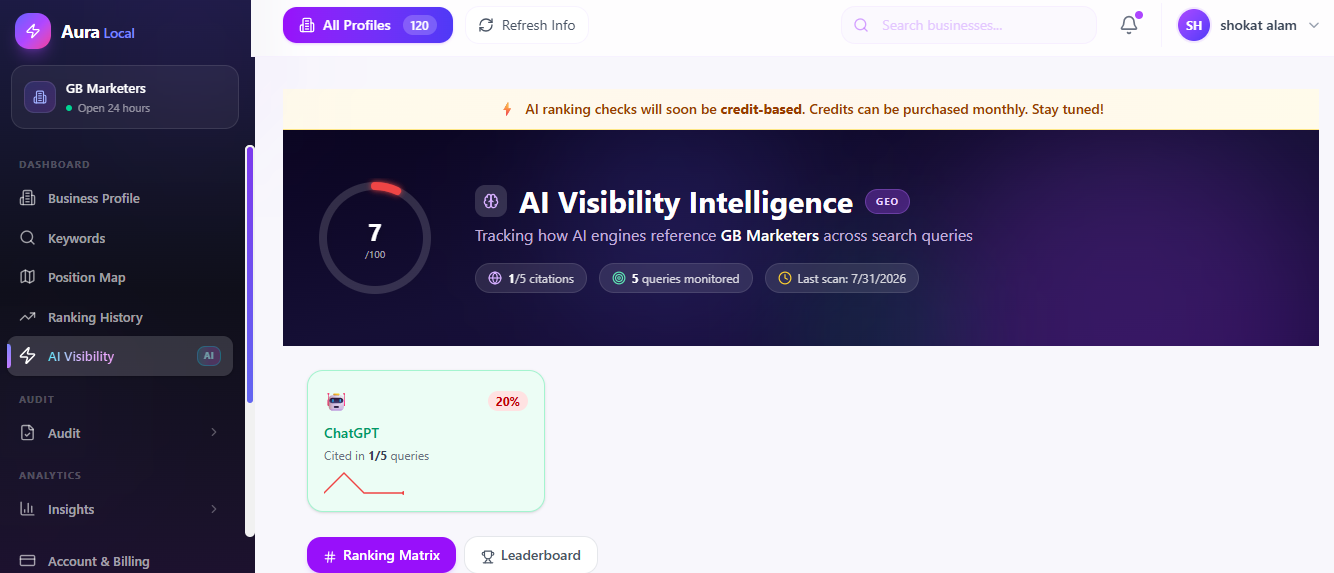
This is what sets AuraLocal apart from a traditional rank tracker. It checks whether your business is actually being mentioned when people ask ChatGPT, Gemini, Perplexity, or Copilot for a recommendation in your category and city.
Audit
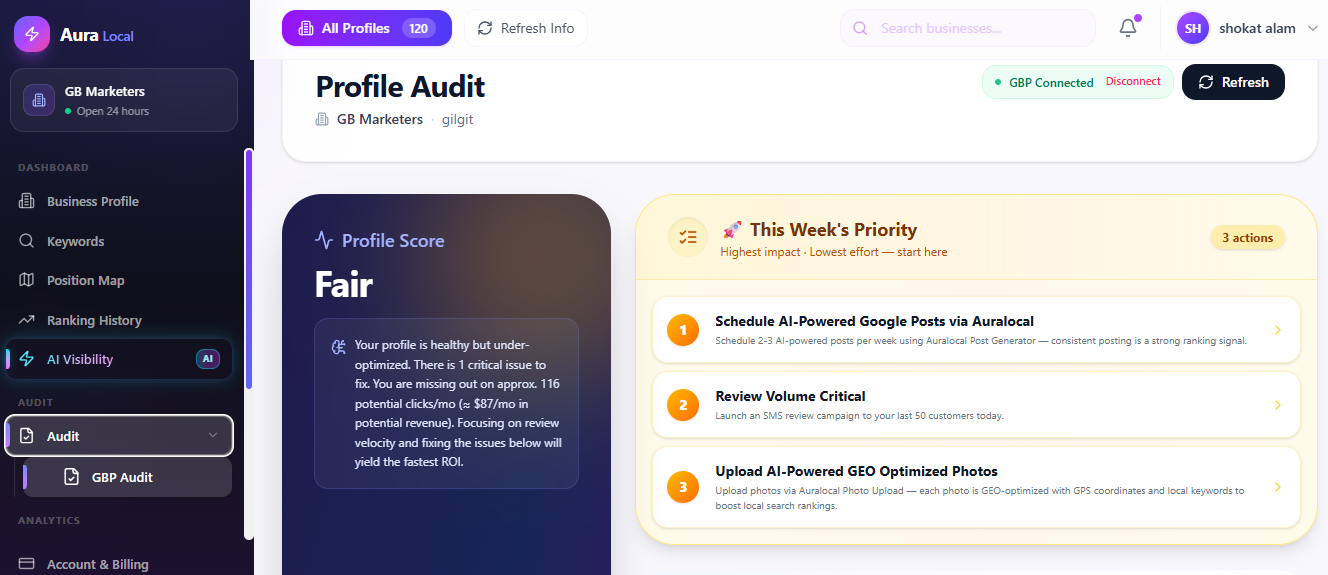
Insights
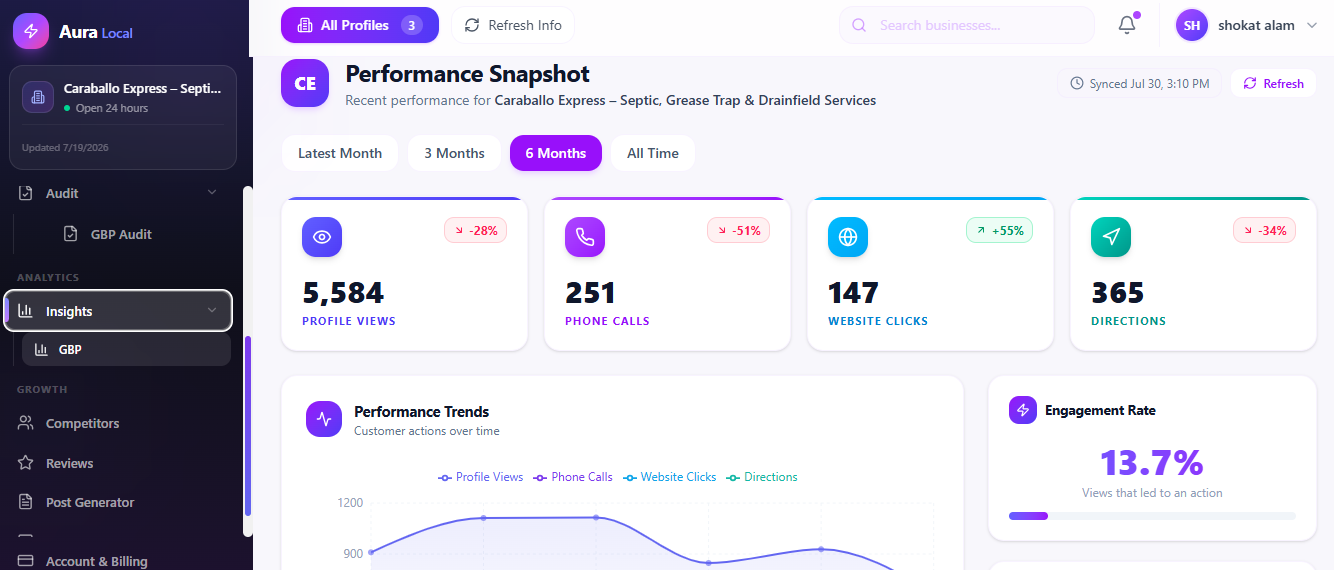
This is where your AI Visibility data gets turned into something actionable — your overall visibility score, the competitive leaderboard showing who's beating you in AI mentions, and a coverage view of which engines mention you and which don't, all in one place.
Competitors
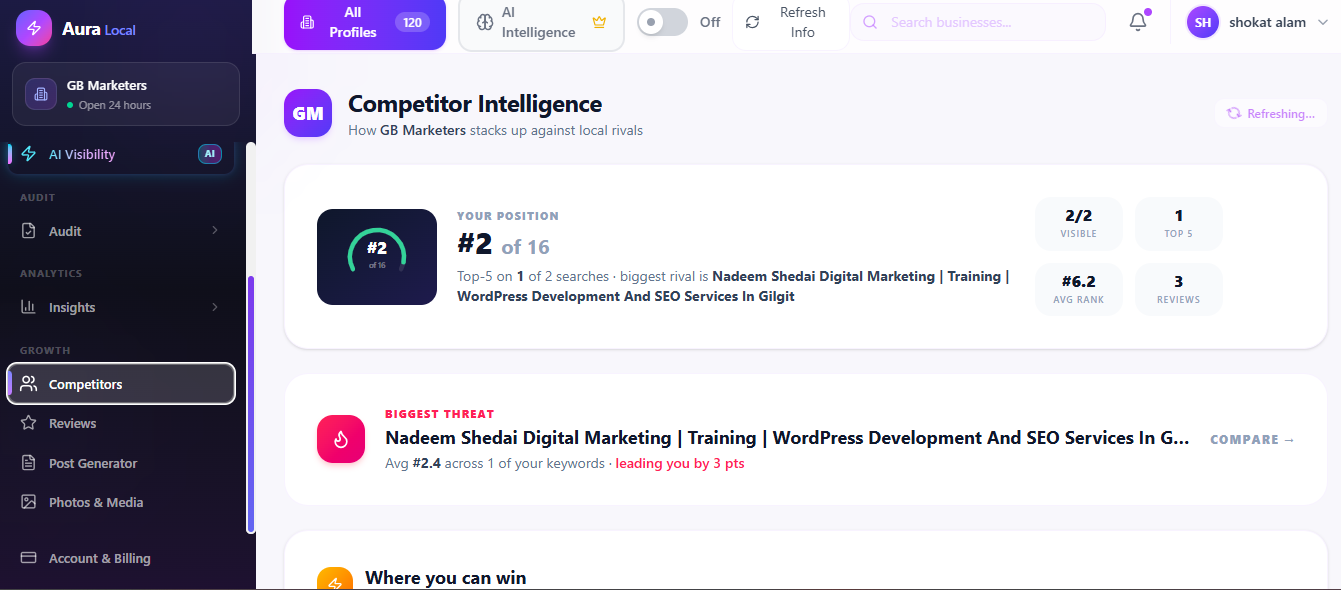
AuraLocal builds your competitor list automatically from your own keyword scans, then tracks how fast competitors are earning reviews, how their ratings are trending, and how often they're beating you to the top spots — so you know exactly who you're up against and where.
Reviews
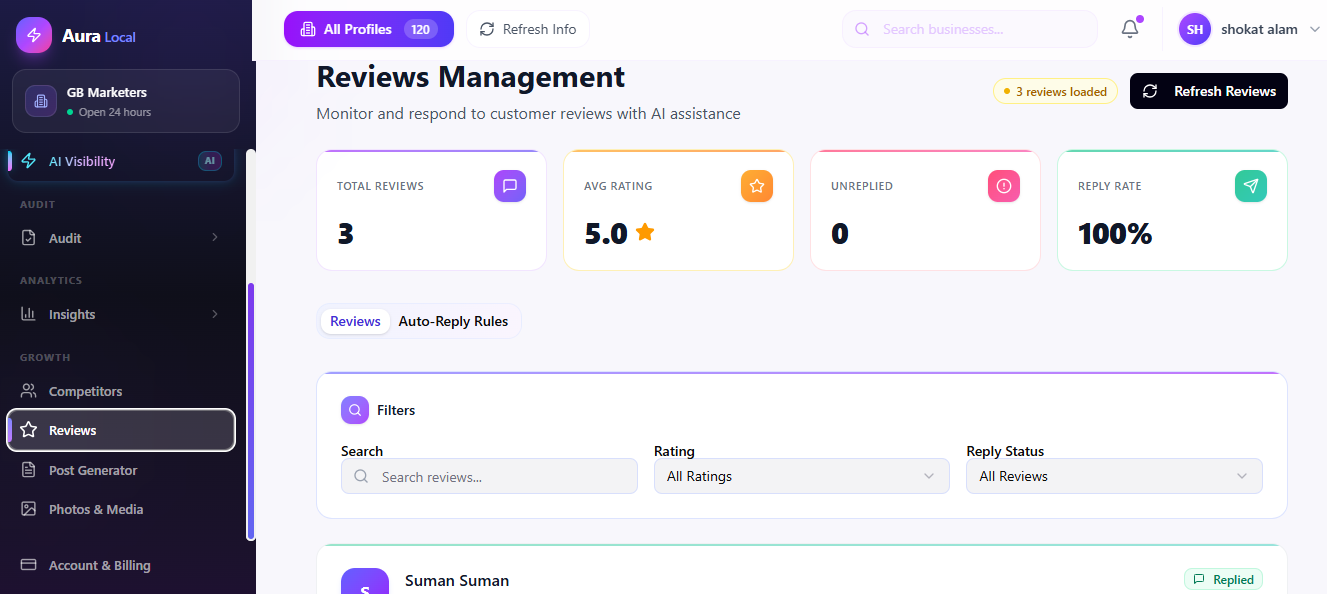
View and respond to your Google reviews directly, with optional AI-assisted replies (in the tone you choose) that you can approve before they post, or let run automatically.
Post Generator
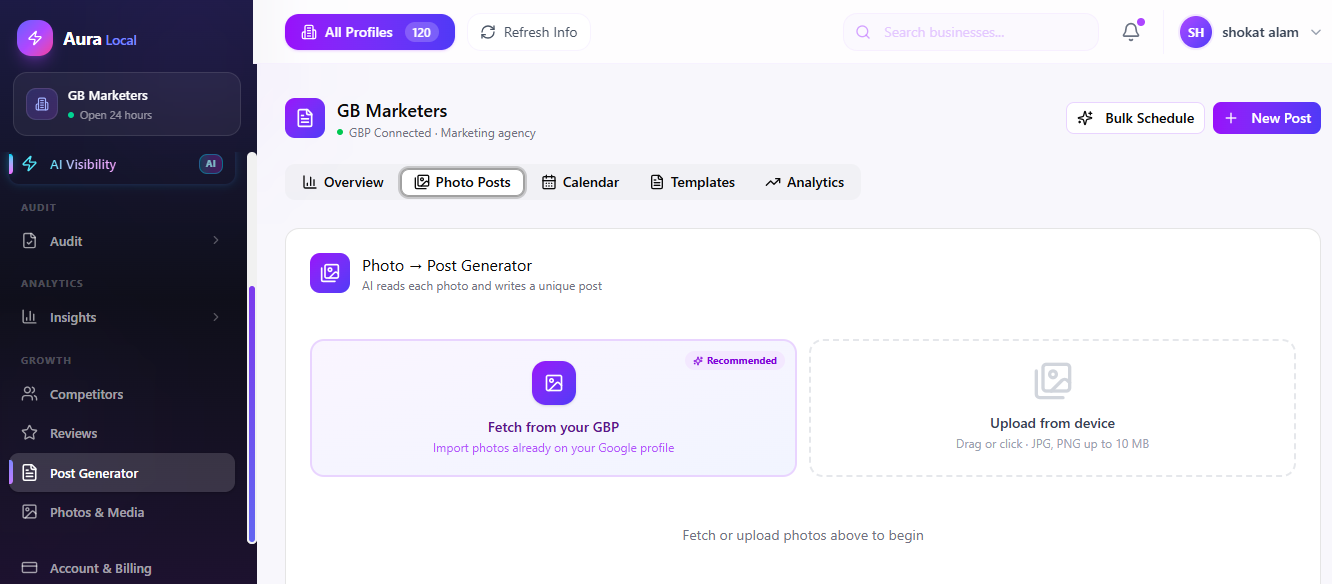
Write Google Business Profile posts manually, or let AI generate on-brand content based on your business category and city — then publish immediately, schedule for later, or generate a whole batch of posts across multiple dates at once.
Photos & Media
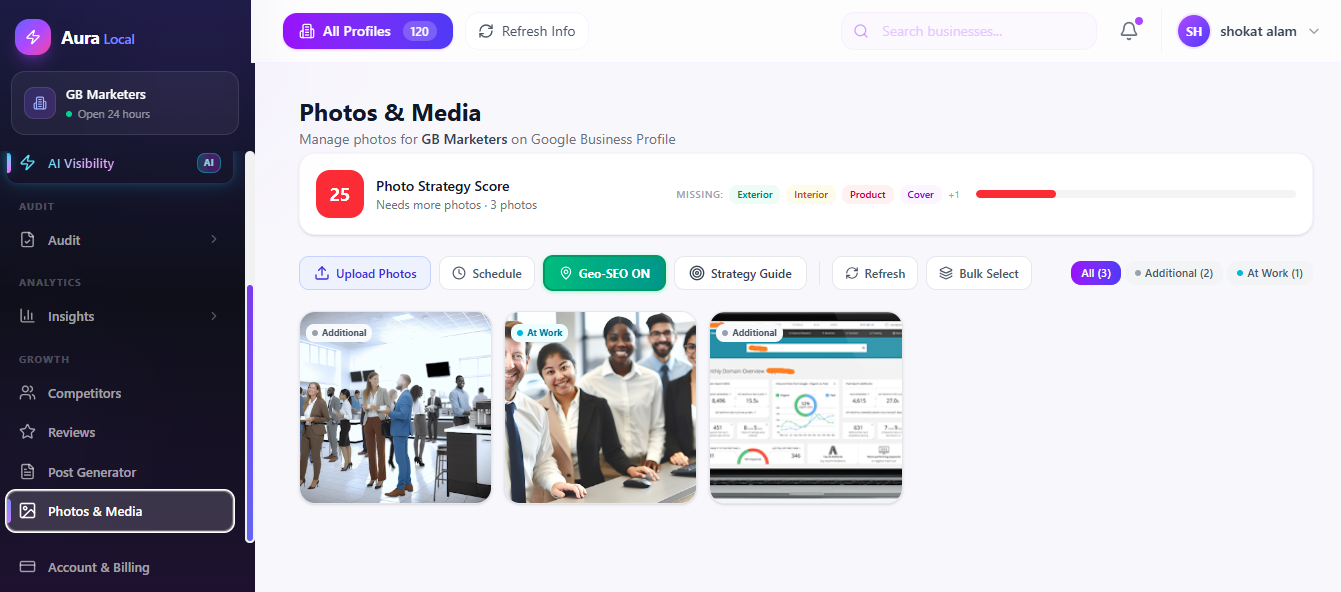
Browse the photos already pulled in from your Google listing, and generate new AI images for your posts when you need visuals but don't have a photoshoot budget.
Who Is AuraLocal For?
AuraLocal was built with a few specific kinds of users in mind, and it flexes depending on who's using it:
- SEO Agencies managing dozens of client locations, who need workspaces to keep each client's data separate and reports that make sense to a non-technical client
- Multi-location businesses — restaurants, clinics, service businesses — that need to track performance location by location, not just as one aggregate number
- Freelancers & Consultants offering local SEO as a service, who need professional-looking reports without building them from scratch every month
- Small business owners who want to manage their own local presence directly, without hiring an agency to do it for them
What's Next
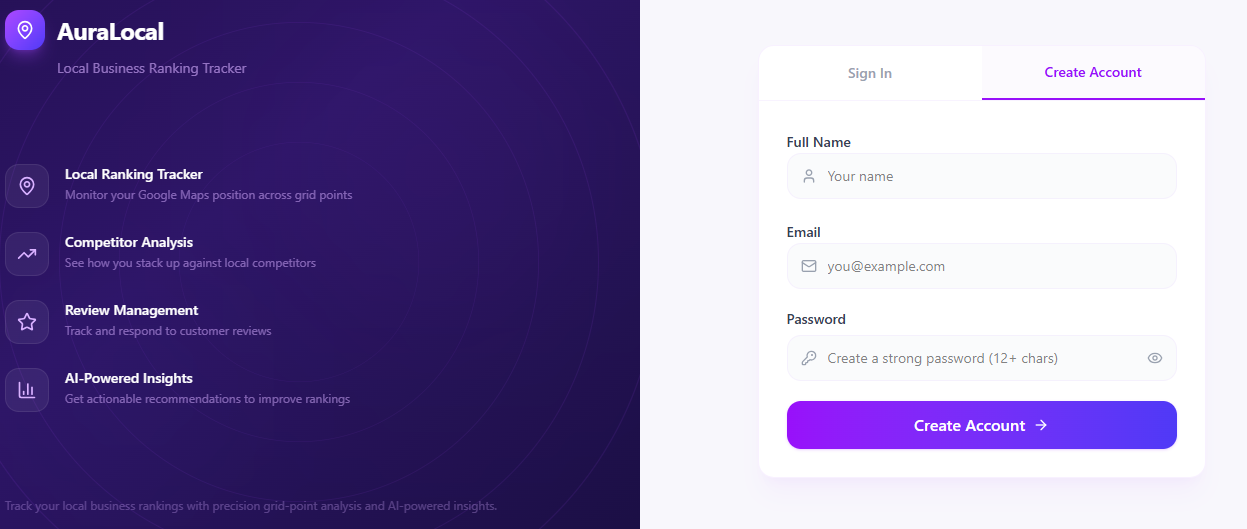
Now that you know what AuraLocal does and why it exists, the next step is getting your account set up. Continue to Getting Started, where we'll walk through creating your account, understanding workspaces, and getting familiar with the dashboard layout — before you add your first business.
Frequently Asked Questions
Need help? Email us at support@auralocal.com, or browse the rest of this guide under Help → User Guide.
Want to Improve Your Local Visibility?
Track rankings, monitor reviews, and grow your Google Business Profile with AuraLocal.
Get StartedRelated Articles
Continue exploring local SEO insights.