By Shokat, founder of AuraLocal and RankProximity, with 14 years in local SEO. Last updated November 9, 2026.
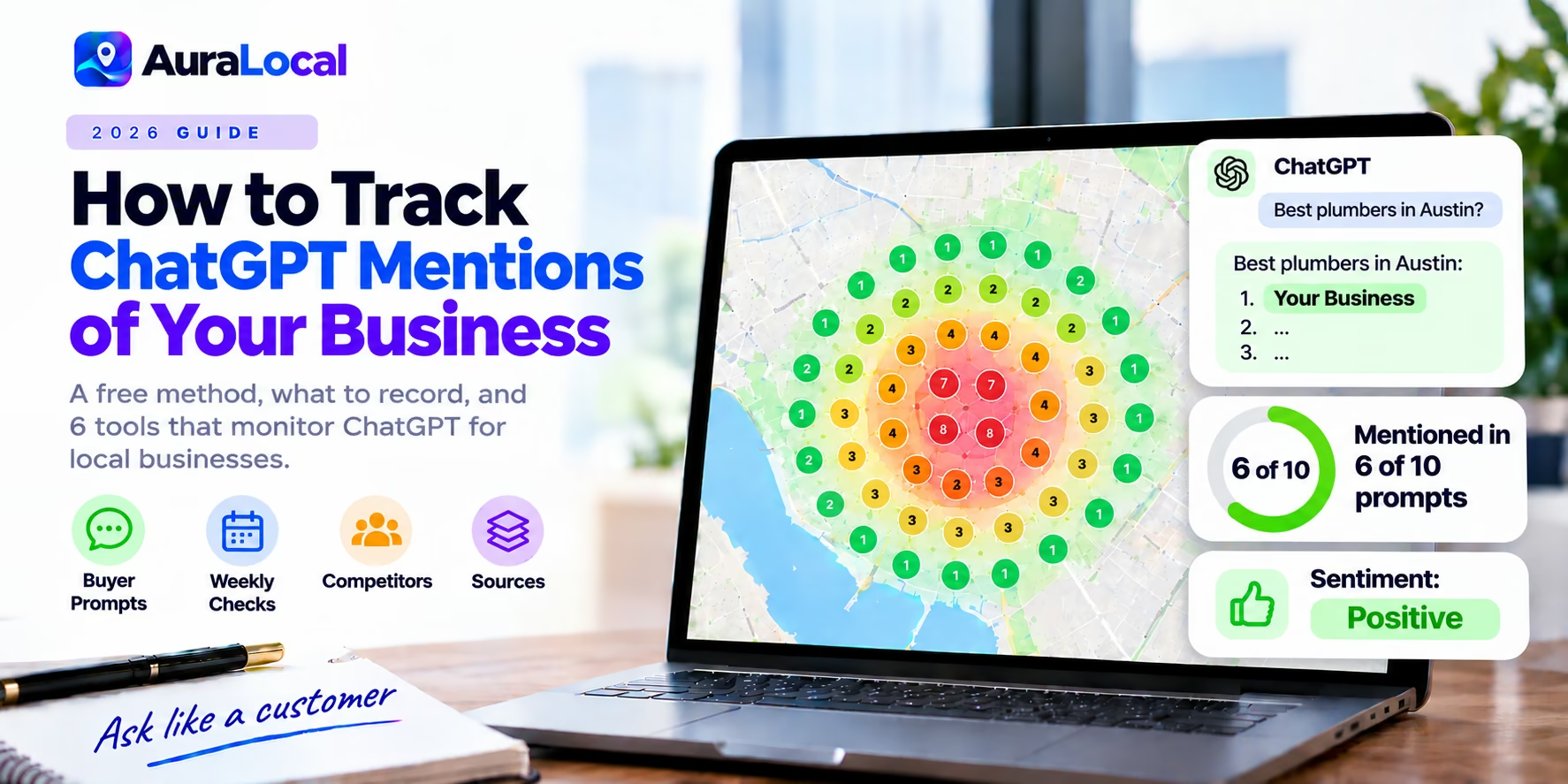
When someone asks ChatGPT "who's the best electrician in Leeds?" it names a few businesses and explains why. Those recommendations don't show up in Google Search Console, your Business Profile insights or your analytics, so most owners have no idea whether they're named.
This guide shows how to check for free, what to track, how to read the results, and which tools automate it. AuraLocal is our product and is one of the tools listed; we've included others and said when they fit better.
Step 1: Write the prompts your customers actually use
Start with 5 to 10 buyer prompts for each service and area. Mix these patterns:
- "Best [service] in [city]"
- "[Service] near [neighbourhood or landmark]"
- "Who should I call for [problem] in [city]?"
- "Top-rated [service] in [city] open on weekends"
- "Affordable [service] in [city]"
Avoid prompts that include your business name; you want to know whether ChatGPT recommends you unprompted.
Step 2: Run them in a clean session
Use a logged-out browser or a new chat with memory turned off, so ChatGPT's answers aren't shaped by your past conversations. If you want results for a specific city, include the city in the prompt rather than relying on your own location.
Step 3: Record what you see
For each prompt, note:
| What to record | Why it matters |
|---|---|
| Are you named? | The headline metric |
| Your position in the list | First mentions get the most attention |
| Who else is named | These are your AI competitors, often different from your map pack competitors |
| What's said about you | Sentiment and the reasons given ("highly rated for emergency callouts") |
| Sources cited | Shows which sites ChatGPT trusts for your area: review sites, directories, local press |
Step 4: Repeat on a schedule
AI answers change from one run to the next and over time. Run the same prompts weekly, and run each one more than once, so you track a pattern rather than a single answer.
Why you might not be mentioned
ChatGPT leans on what the web says about you: review volume and wording, consistent listings, mentions on local sites and directories, and clear service and location content on your website. A business can rank first in the Google Maps pack and still be missing from ChatGPT if those signals are thin. Read why Google Maps and ChatGPT recommend different businesses.
Common fixes:
- Make sure your name, address, phone, hours and categories match everywhere.
- Ask for reviews that mention your service and area in the customer's own words.
- Publish clear pages for each service and the areas you serve.
- Earn mentions on local news sites, associations and "best of" lists.
Tools that track ChatGPT mentions
Manual checks work for a handful of prompts. Tools repeat them on a schedule and track competitors.
| Tool | Built for | Platforms | Starts at |
|---|---|---|---|
| AuraLocal | Local businesses | ChatGPT and Gemini, next to map rankings | $39/mo |
| Local Falcon | Local analysts | ChatGPT, Gemini, AI Mode, AI Overviews across a grid | $24.99/mo (credits) |
| BrightLocal | Local SEO suite | ChatGPT and Google's AI | $31/mo |
| Otterly.AI | Brands | ChatGPT, AI Overviews, Perplexity, Copilot (+ add-ons) | $29/mo |
| Peec AI | Marketing teams | Choose 3 models incl. ChatGPT | $95/mo |
| Rankability | SEO and content teams | 11 AI platforms | $97/mo |
For local businesses, a tool that sets location and shows map rankings alongside AI answers saves the most time. For national brands, Otterly.AI, Peec AI and Rankability track wider sets of prompts. Full comparison: best AI visibility tools for local businesses. Direct comparisons: AuraLocal vs Otterly.AI · AuraLocal vs Peec AI · AuraLocal vs Rankability.
Prices from vendor pages checked November 9, 2026.
Frequently asked questions
Can I see how many times ChatGPT mentions my business?
Not directly. OpenAI doesn't publish mention data for businesses. You track it by running prompts and recording the answers, by hand or with a tool.
Why does ChatGPT give different answers each time?
AI answers vary from run to run. That's why you run each prompt more than once and track trends rather than single answers.
Does ChatGPT use Google Maps rankings?
Not directly. It draws on web sources such as review sites, directories and local articles, so its recommendations often differ from the map pack.
How often should I check?
Weekly is enough for most local businesses. Check more often after changes such as a new service page or a review campaign.
The bottom line
Tracking ChatGPT mentions comes down to asking the right local prompts, in a clean session, on a schedule, and recording who gets named. Start by hand; when you want it automated next to your map rankings, use a local tool like AuraLocal, Local Falcon or BrightLocal.
Run a free AuraLocal visibility scan to see whether ChatGPT and Gemini recommend you, and where you rank across your area. The 7-day trial needs no credit card.
More guides: How to check if Gemini recommends your business · Best local rank trackers and AI visibility tools
About the author
Shokat has worked in local SEO for over 14 years. He founded RankProximity, a local SEO and Generative Engine Optimization agency, and built AuraLocal to give local businesses and agencies one place to track, diagnose and act on their Google Maps and AI visibility. See his agency's results at rankproximity.com/case-studies.
Sources
- Otterly.AI pricing, checked November 9, 2026
- Peec AI pricing, checked November 9, 2026
- Rankability pricing, checked November 9, 2026
- Local Falcon AI search visibility, checked November 9, 2026
- BrightLocal pricing, checked November 9, 2026
Want to Improve Your Local Visibility?
Track rankings, monitor reviews, and grow your Google Business Profile with AuraLocal.
Get StartedRelated Articles
Continue exploring local SEO insights.